
Why Logos Matter — and How AI Changes the Game
First impressions matter; your audience will likely first get to know you via your logo, and it often provides a quick signal of whether they find you genuine and credible enough to stay on your page and engage with your content. In this guide, I’ll show you how to make a logo with AI using the 6 best tools available in 2026, based on real testing for a small business.
The Problem with Traditional Logo Design
When it comes to designing logos using traditional methods, costs tend to be very high and take a lot of time to complete. As a brand-new blogger, I was not ready to spend hundreds of dollars or weeks of time on a logo. That is why I chose to search for an alternative.
The AI-Based Solution
With AI tools available today, you can generate an attractive logo in minutes. And there are a bunch of options out there to choose from.
What This Post Covers
- A detailed comparison of 6 AI Tools with practical guide.
- My case study on how I used these tools to build my logo for “ai freeup” in minutes.
From Prompt to Final Vector: My 2026 AI Logo Design Workflow
Step 1: Defining Logo Concept
To get a direction for creating my logo concept, I first determined and set my blog’s goals.
- Blog name: ai freeup
- Core values: productivity, connectivity, and freedom
- Visual mood: simple, minimalistic, line-based, clean, fun
- Color Palette: calming and trustful beige tones
Step 2: Selecting AI Logo Tools (6 Platforms)
- Group A: General Purpose Image AI
- Group B: Design & Editing AI
Step 3: AI Prompt & Testing
Main Prompt
simple, line, minimalistic logo design for AI blog, for ‘ai freeup’
(Note: This only applies to Group A/B. Tools in Group C do not require the use of text prompts to generate logos.)
Trial and Error
Initially, I thought that providing exact hex codes (e.g. #111111) directly would result in better designs, but I found that some tools did not use these codes at all, while other tools would simply truncate my hex codes due to character limits. From this experience, I learned that it would make more sense to define my design using shape and style first, then to define the colors after through the editor.
In addition, I learned that including keywords such as “geometric abstract” resulted in overly complex designs; however, when I included “line” and “simple,” I tended to produce designs that were much closer to an acceptable logo.
Step 4: Vector File Conversion
I converted my logo to vector format (SVG) for free using Vectorpea. This site supports conversion to various file formats.
6 AI Logo-generating Tools Reviewed (2026 Guide)
ChatGPT (DALL·E 3)
- Best for: Creative concept exploration and visual brainstorming
- Pricing: Free (usage limits apply)
DALL·E 3 generates creative images that aid the idea-development process. While it is not guaranteed to generate usable production-ready logos, it is excellent for generating concept images and initial logo sketches to explore various directions.

Gemini (Nano Banana)
- Best for: Quick experimentation with diverse design styles
- Pricing: Free (usage limits apply)
Nano Banana gives users many different output options using many different styles when brainstorming/conceptualizing their logo. If you are unsure which style direction to take when designing your logo, this is a fantastic option for discovering unexpected aesthetic possibilities.
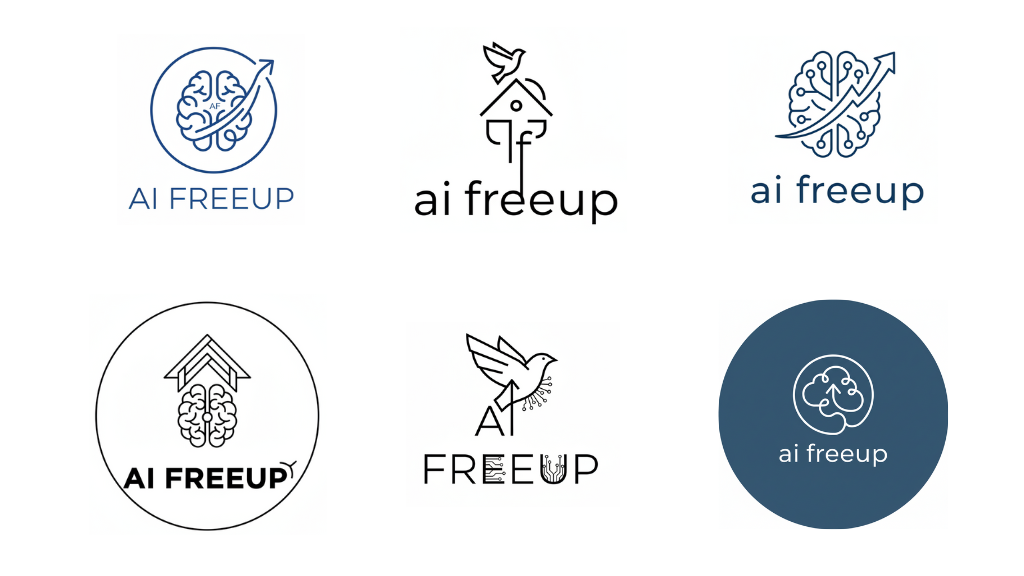
Canva
- Best for: Hands-on editing control and template customization freedom
- Pricing: Free (usage limits apply), $12.99/month, $119.99/year
Canva’s AI Logo Generator allows you to explore multiple templates that you may want to use in creating your brand’s logo. You can craft a logo using the free version, but if you would like an SVG (vector based) logo, you need to subscribe to the Pro plan.
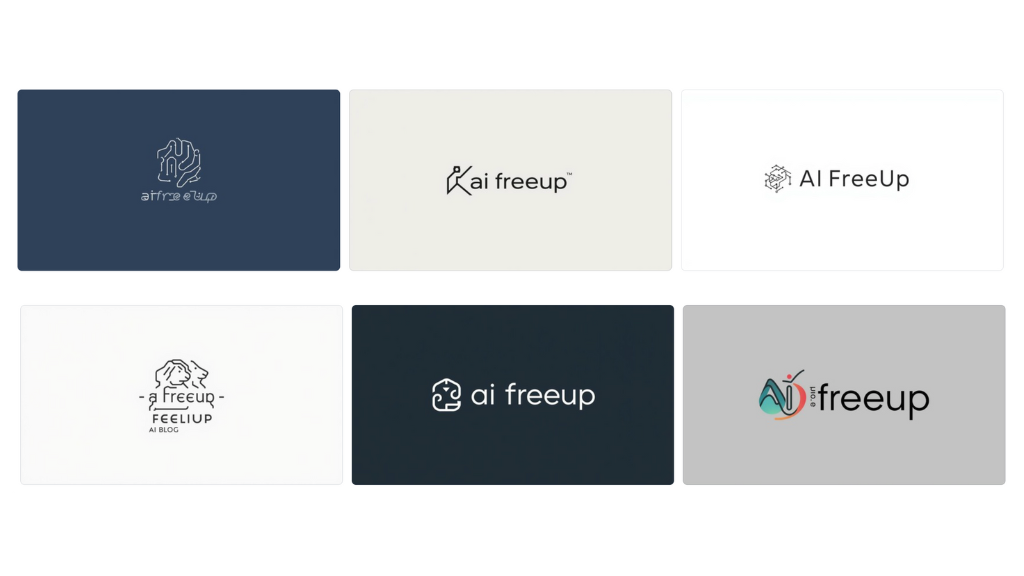
Adobe Express
- Best for: Creating detailed, complex logos suitable for scaling businesses
- Pricing: $9.99/month, $99.99/year
As illustrated in the image below, Adobe Express is capable of generating aesthetically-pleasing and complex logo designs for both small blogs and larger companies. One of the biggest drawbacks of Adobe Express, however, is its poor text generation capabilities. Most of the time, the generated text will be distorted/illegible. If you wish to use lowercase lettering, ensure that you specify in your prompt that you would like lowercase letters. I suggest generating your logo image separately and adding text to it later.
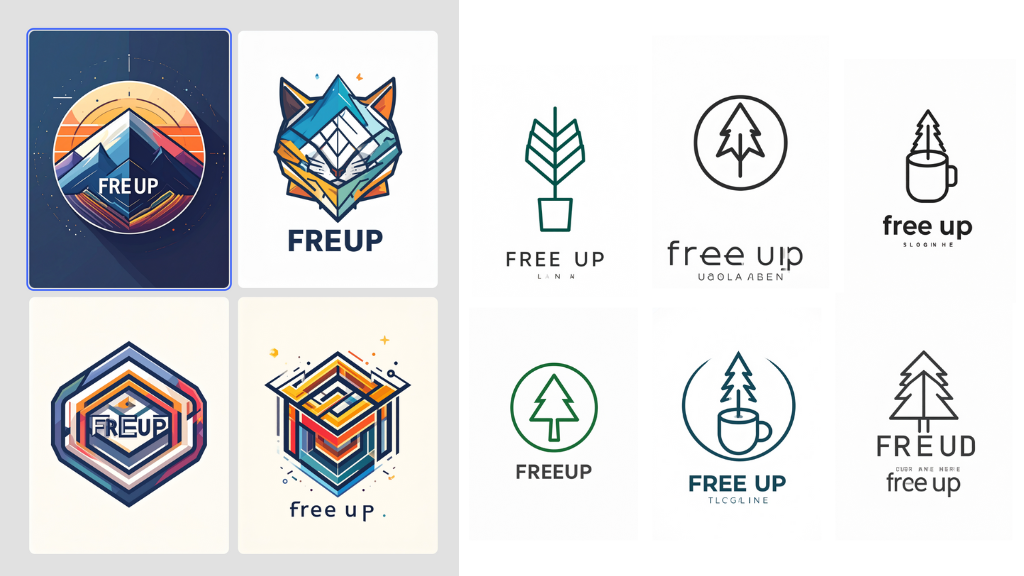
Looka
- Best for: Comprehensive brand identity packages beyond just a logo
- Pricing: Basic Logo Package: $35 (lifetime), Premium Logo Package: $72 (lifetime), Brand Kit Web Subscription: $129/year
By putting your blog’s name and the industry it is in, your choice of logos and colors, and symbols you like, Looka provides a bunch of neat, business-like logos. In addition, if you ever need help building your brand, Looka has a complete Brand Kit with requirements for blog titles and profile photos, etc.
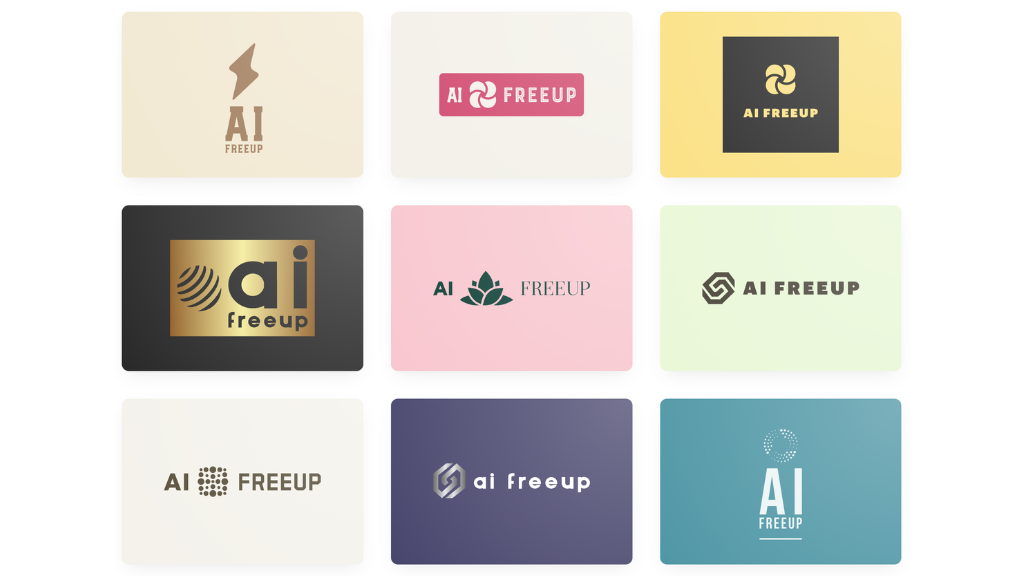
Logopony
- Best for: Emotionally resonant designs with strong aesthetic polish
- Pricing: Basic: $15 (lifetime), Premium: $45 (lifetime), Business: $60 (lifetime)
Just provide your Business Name and/or Business Type, what style of Logo, what type of Icon you would like, and your color preferences. Once you have chosen your desired Icon, Logopony will generate several variations based on the chosen icon; however, while you get fewer variances per icon from Logopony, the aesthetics and typography are much more emotive with Logopony’s design.
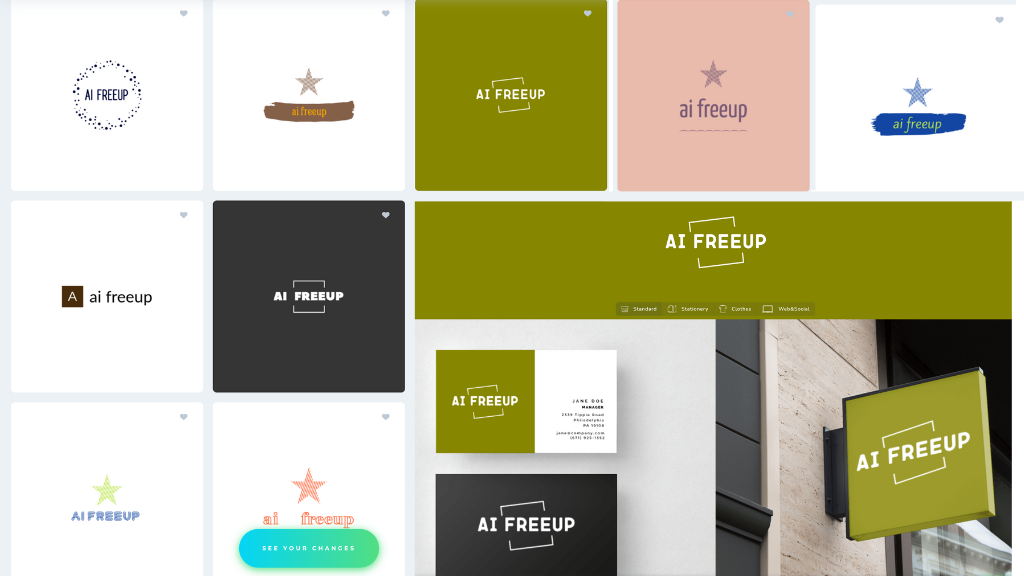
The Winner: My Final Choice
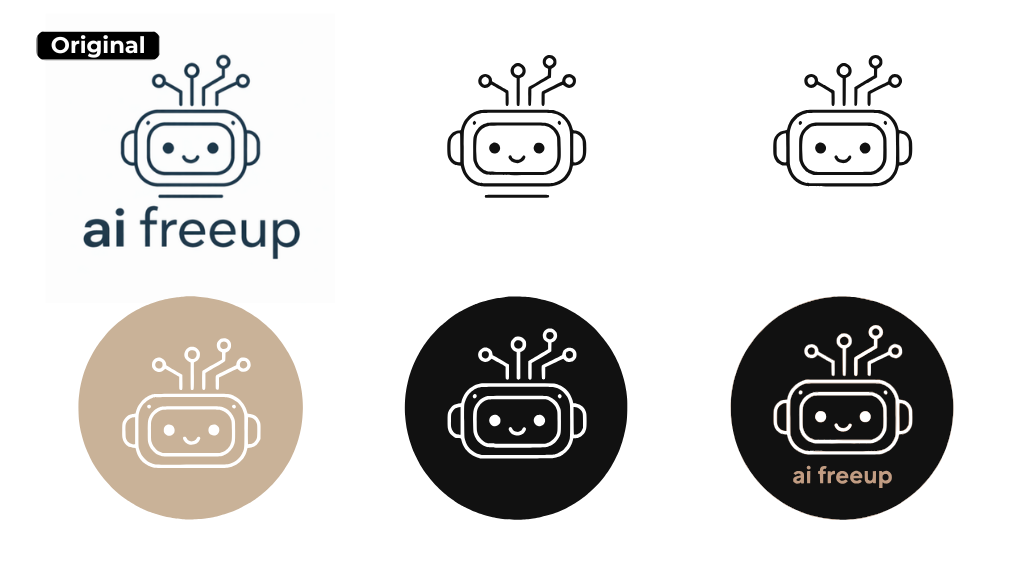
Here is the logo I ultimately selected for my blog, ‘ai freeup’!
The Final Logo for ai freeup—And Why I Chose It
The logo I selected captures the clean and simple aesthetic I had in mind while providing an approachable feeling and staying true to the robot style I wanted to create for the blog. The robot-like character represents productivity, while the antenna at the top signifies connectivity. The character form reflects freedom, and the design as a whole perfectly balances this; it is not too serious, and it contains a fun aspect that brings joy, which was my intent for the blog.
The image on the top-left shows an early logo created by DALL·E 3. I took this original version and created another logo by taking the letters out of the character and removing the line beneath the character. This image contains other versions I created using beige and black circular backgrounds and was used to generate the logos shown in the ‘About Us’ section of this website and across the entire website.
Which AI Logo Tool Should You Choose?
Summary by Category
- Group A (General Purpose Image AI)
- Best for creative exploration and experimentation
- While these types of tools are not logo-making tools, they do provide inspiration and generate great new ideas. They also allow users to modify an image just by adding prompts.
- Group B (Design + Editing AI)
- Best for hands-on design control and customization
- This group sits in the sweet spot between experimental AI tools and specialized logo generators. As design-first platforms with AI assistance, these tools offer something the other groups do not: full creative control after generation.
- Group C (AI logos)
- Best for rapid, professional-quality results
- Before paying a cent, you will be able to experiment with literally hundreds of different logo ideas using both Looka and Logopony. With both platforms, you can choose a design that you love and buy from them only when you finally find that perfect fit for your brand!
At-a-Glance Comparison
| Platform | Best for | Pros | Cons |
|---|---|---|---|
| ChatGPT (DALL·E 3) | Creative experimentation | Conversational interface, Unexpected results | Limited output control |
| Gemini (Nano Banana) | Wide style exploration | Quick iterations, Conversational prompting | No direct editing |
| Canva | Hands-on customization | Easy editing, Template variety | Low generation limits on free plan |
| Adobe Express | Advanced design control | Complex detailed designs, Professional output | Distorted text rendering |
| Looka | Professional brand packages | Business-ready designs, Full Brand Kit | Higher upfront cost |
| Logopony | Aesthetic-focused designs | Great aesthetic sensibility, Real-life design examples | Limited design variety |
Frequently Asked Questions
General Tips for AI Logo Design
Short answer: In most cases, yes—but you absolutely need to check each tool’s licensing terms and whether you’re on a free or paid plan.
Key takeaway: “Commercial use allowed” ≠ “full ownership and copyright protection.” Always review each tool’s terms of service—especially regarding commercial use and paid plan requirements—to stay safe.
Short answer: Yes, you can—as long as you’ve made sufficient human modifications to the design and it doesn’t conflict with existing trademarks.
Logos created with AI tools can be trademarked if:
- The design is sufficiently distinctive and original
- It functions as a source identifier for your actual business
- It doesn’t resemble existing trademarks
Important considerations:
Trademark conflicts must be checked through a trademark search, either on your own or with an attorney’s help.
Copyright protection is stronger for designs with significant human input rather than purely AI-generated outputs.
Conclusion
Designing a logo using AI tools is no longer just fast—it is practical for solo businesses that need to move quickly without sacrificing quality. I was not expecting this process to be so easy or fast. The tools I used to design our logo allowed me to create a much higher quality design, as editing was a significantly more efficient process. Through the AI-assisted initial drafts, I was able to create them within a much shorter timeframe, allowing me to spend more time on my actual work. This is what is important for solo businesses. Hope that this post gives you more guidance on which tool to use for your logo.